How to change your pricing plan or billing cycle
You can change your pricing plan directly from the dashboard view with your mentor. To do so, open the plan settings and select "Change plan".

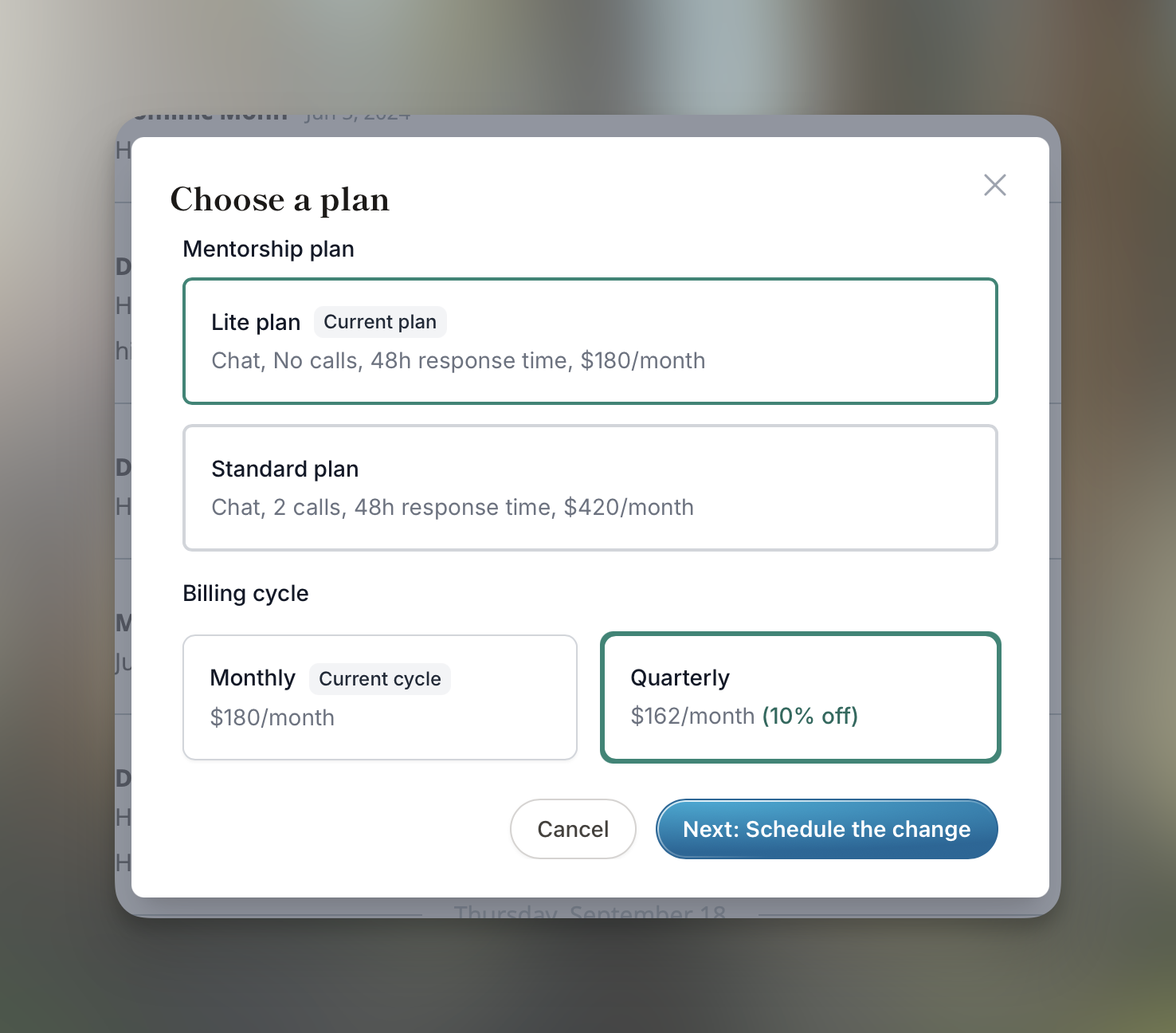
You will have a selection of all the pricing plans that the mentor is currently offering. If none suit you, your mentor can create custom plans for you.
Additionally to the plan itself, you can decide the billing cycle on certain plans. This setting is at the discretion of your mentor – inquire with them if it's not available.
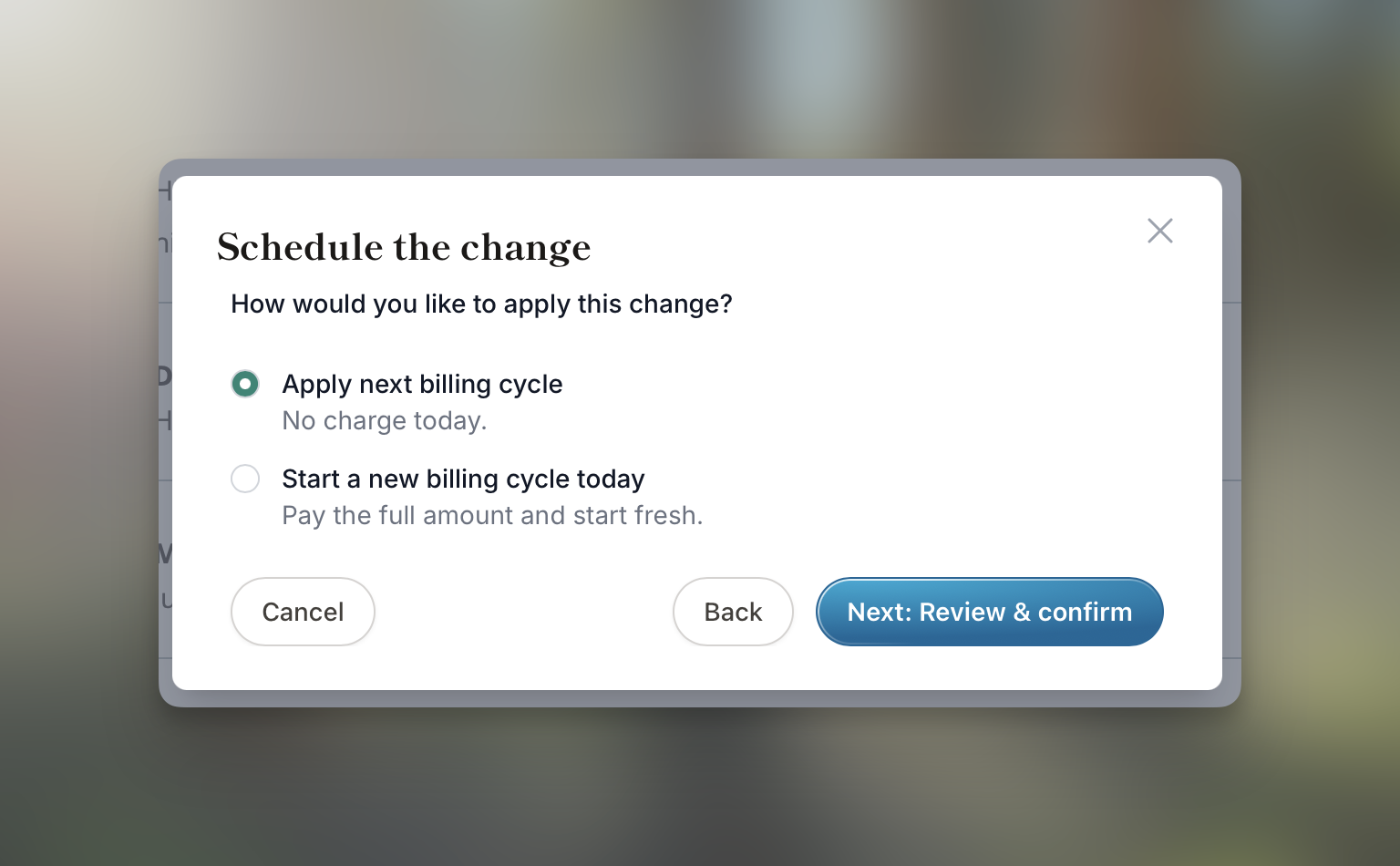
In the last step, you'll be able to schedule the changes either for next billing cycle, or starting the new billing cycle right away.