I am unavailable for a while, what can I do?
Life happens. Whether you're out of office for a few days or stepping back for longer, we've made it simple to take a break and return when you're ready.
Using the "Take a break" feature
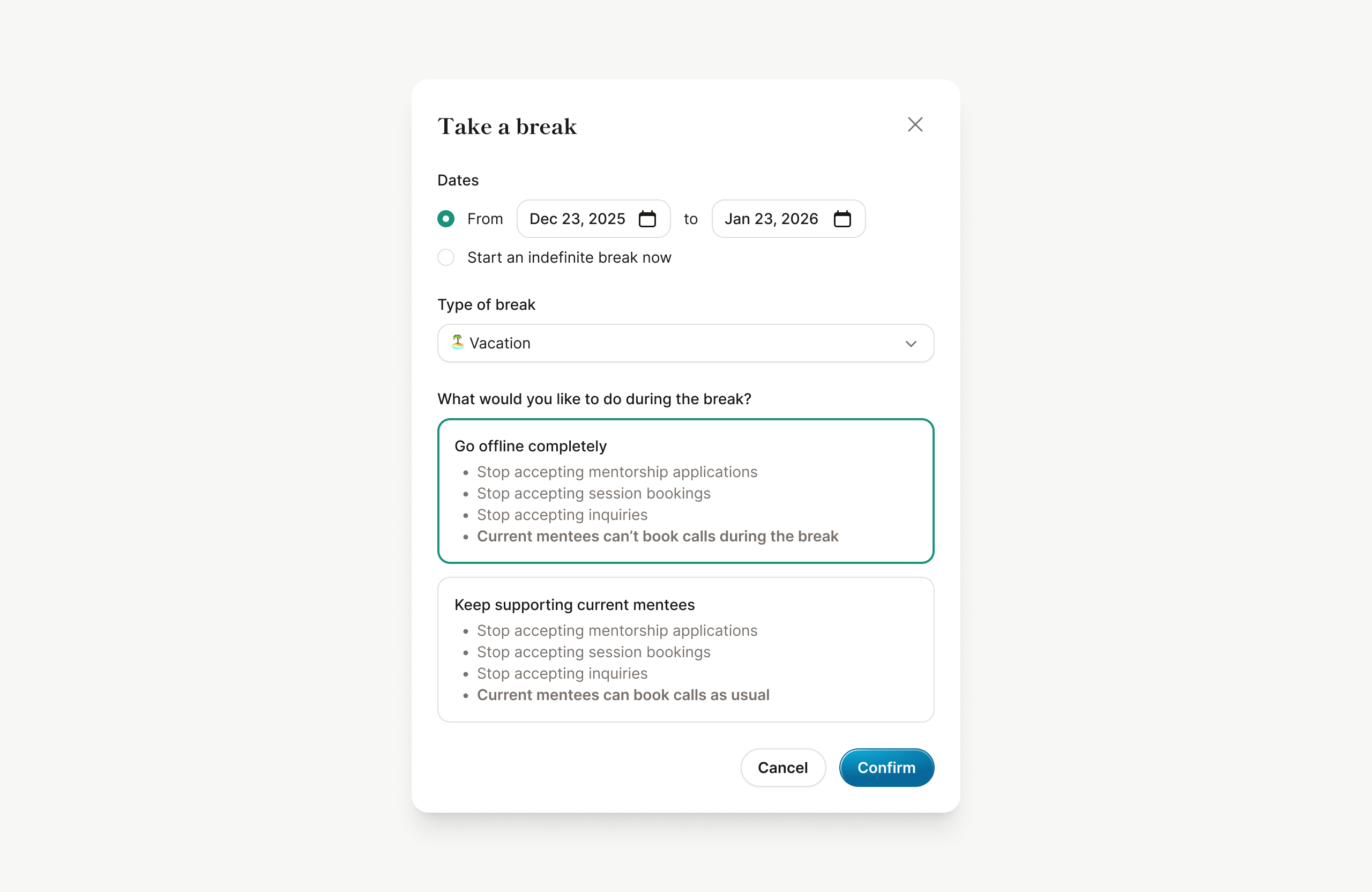
- Go to Settings > Availability > Take a break
- Click the "Take a break" button
- Set your preferences, such as dates and type of break
- Click Confirm to create a break
Once your break begins, mentorship applications, session bookings, and inquiries will be closed. When your break ends, these will all reopen automatically.
A few additional steps
While the "Take a break" feature handles most things automatically, you may need to:
- Pause your active mentorships: If you won't be available to support your current mentees, pause each mentorship individually so they know you're away.
- Update your external scheduling tools: If you use external scheduling software (like Calendly or Cal.com), make sure to block off your availability there as well.
What mentees will see
When you're on a break, mentees will see a clear indicator on your profile:

If you’re using MentorCal and you’re choosing to “Go offline completely”, your unavailable dates will also appear in the booking form, marked with a visual indicator based on the type of break:
